
How-To Blog
Inside this blog, you’ll find posts and video tutorials to help you navigate the how-to of the online business world.

Creating an Irresistible Lead Magnet and Delivering It Seamlessly with Flodesk
Creating a lead magnet is like hosting a dinner party. You want to offer something irresistible that makes people excited to say “yes” and keeps them coming back for more. But if your lead magnet is bland, confusing, or just another generic freebie, your guests (aka potential subscribers) will politely decline—or worse, forget you exist and not respond to the invitation.

Flodesk for Beginners: How to Set Up Your Account and Design Branded Emails
By the time you’re finished reading this guide, you’ll have a Flodesk account that’s set up, visually stunning, and 100% on-brand.

How to Use ManyChat to Auto-Reply to Instagram & Facebook Comments
If you’ve been manually responding to Instagram DMs and comments, you’re leaving serious leads and sales on the table. ManyChat’s Instagram automation allows you to instantly reply to comments, DMs, and story replies—turning engagement into conversions while saving you time.
Whether you’re setting up your first automation or optimizing an existing one, this guide walks you through everything step-by-step.

How to Use Google Docs’ New Document Tabs for Better Organization
Google Docs has rolled out a game-changing feature: Document Tabs. This new addition allows you to structure your documents like a notebook with sections, eliminating the need for endless scrolling and messy formatting.
If you’ve ever struggled to keep track of multiple sections in a long document or found yourself juggling too many separate Google Docs, Document Tabs will revolutionize the way you work.

How to Edit Photos and GIFs Inside Canva
Photos are an essential part of design, whether you’re creating social media graphics, a sales pitch presentation, media kit, client work, or something else entirely. Creating collateral for your online business is easier than ever when you use Creative Template Shop templates plus Canva!
In this video tutorial, we’re showing you how to browse, change, and edit photos (and bonus - GIFs) inside your Canva to create effective, impactful designs for everything inside your business.

How to Edit Fonts Inside Canva
Canva is an easy-to-use tool to create beautiful, effective designs for your business whether you have design experience or not (especially combined with our strategic and beautiful Canva templates).
In this post and a quick video tutorial, we’re walking you through everything you need to know to get started editing fonts and text styles inside your Canva designs. We’ll cover font choices, using the “Change All” feature and copy/paste tools, font styling, and text effects. Scroll down to learn more!

How to Edit Colors in Canva
Canva is a powerful design tool that allows you to create beautiful, impactful things—think social media graphics, presentation decks, PDFs, and more—whether or not you have a design background.
Whether you’re just getting started using Canva, or you’ve been around the block for a while, we’re sharing the basics PLUS some of our favorite tips and tricks to changing colors of shapes, text, and graphics inside your Canva designs.
free template
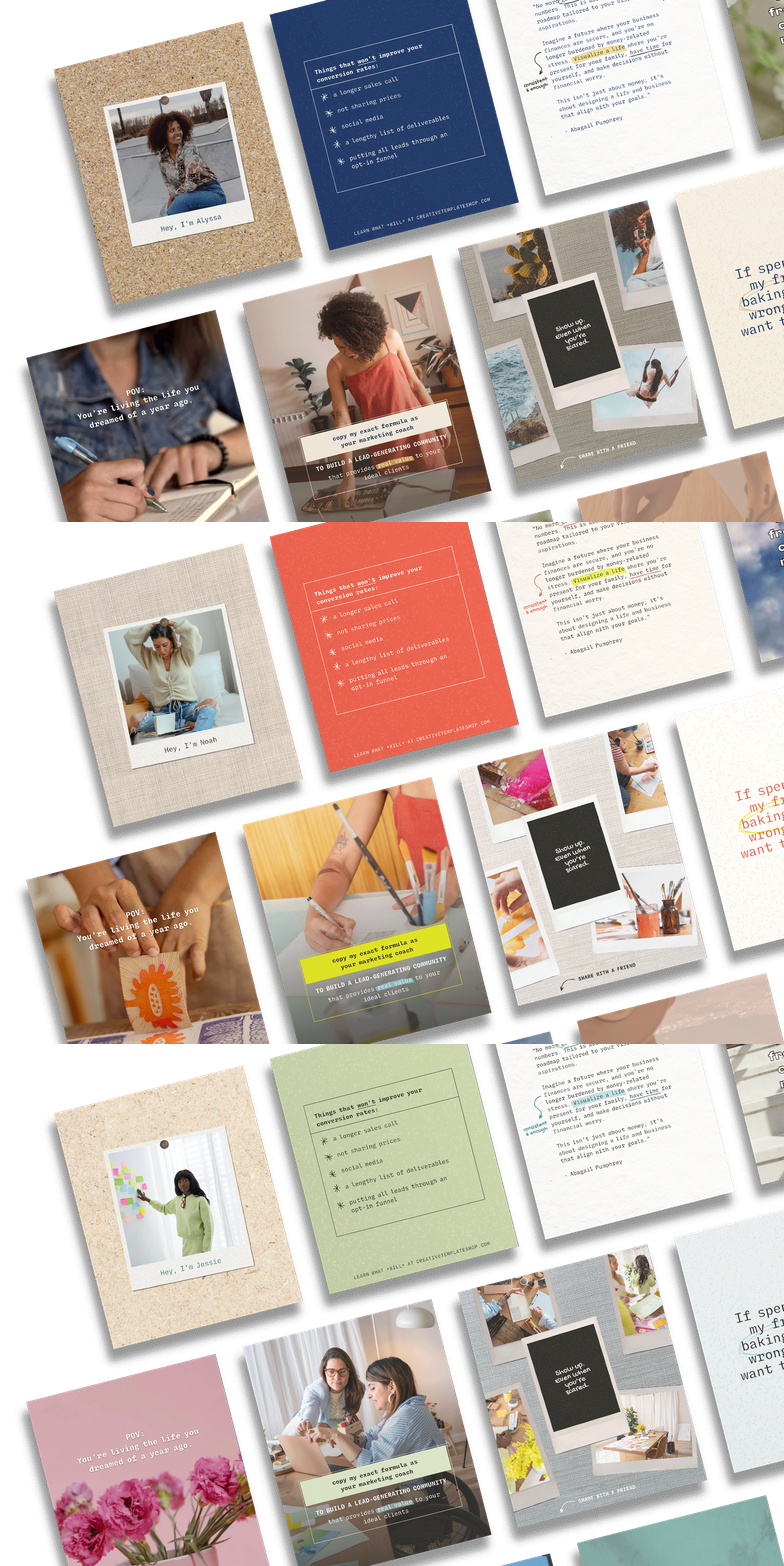
Revamp Your 9 Grid with FREE Social Media Canva Templates
Boost your engagement with 9 FREE Canva templates, designed to increase likes, shares, and comments.